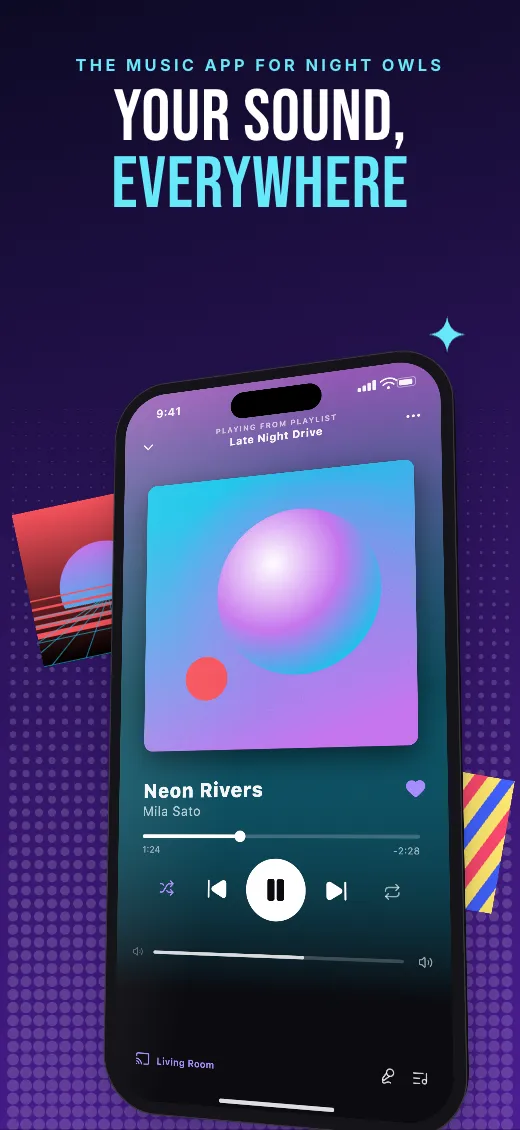
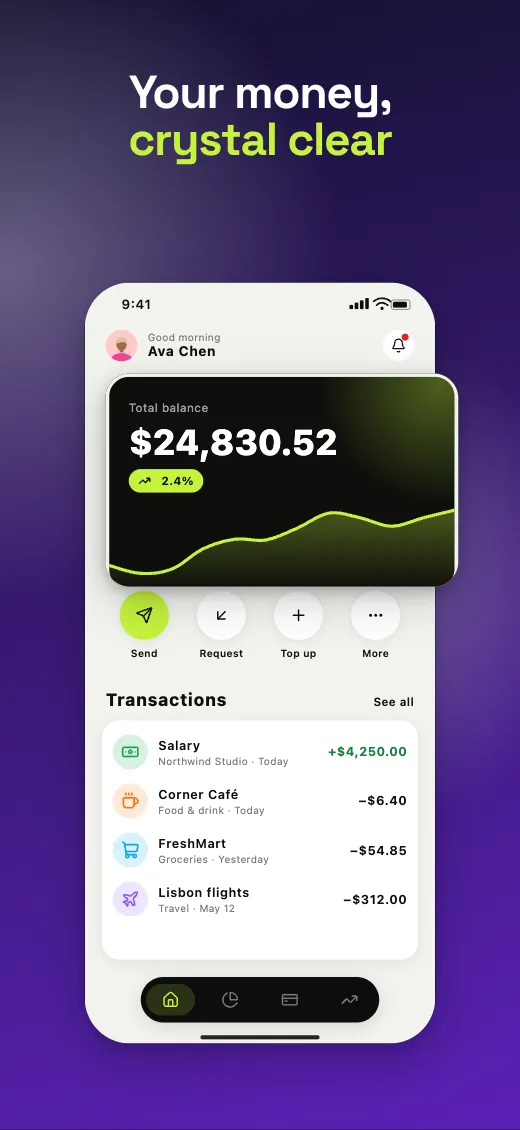
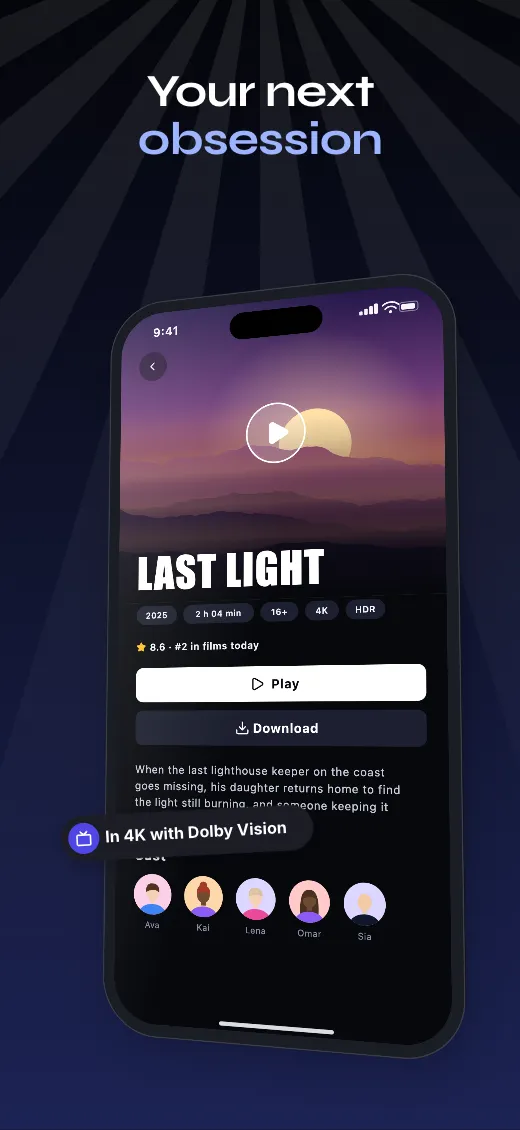
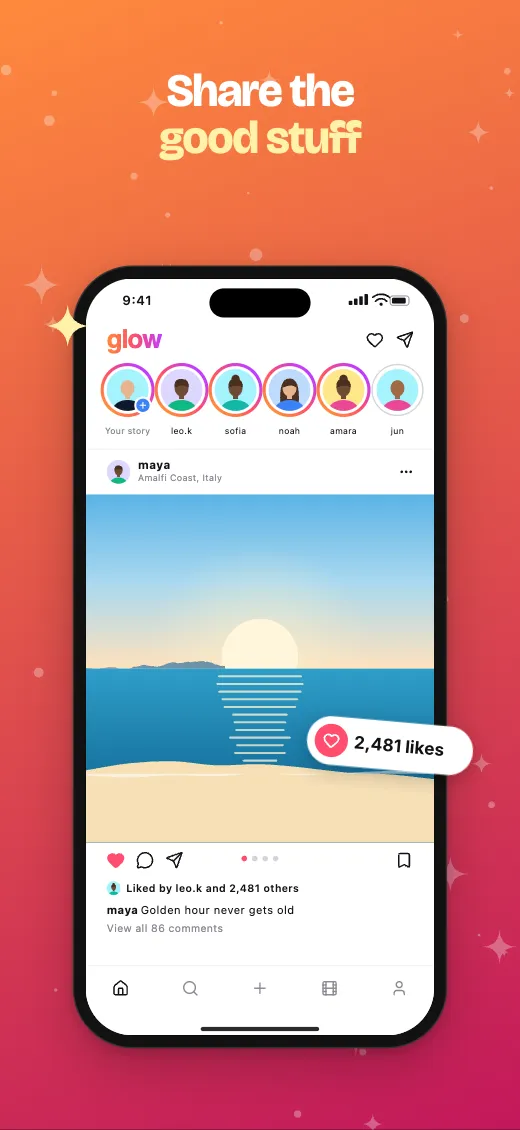
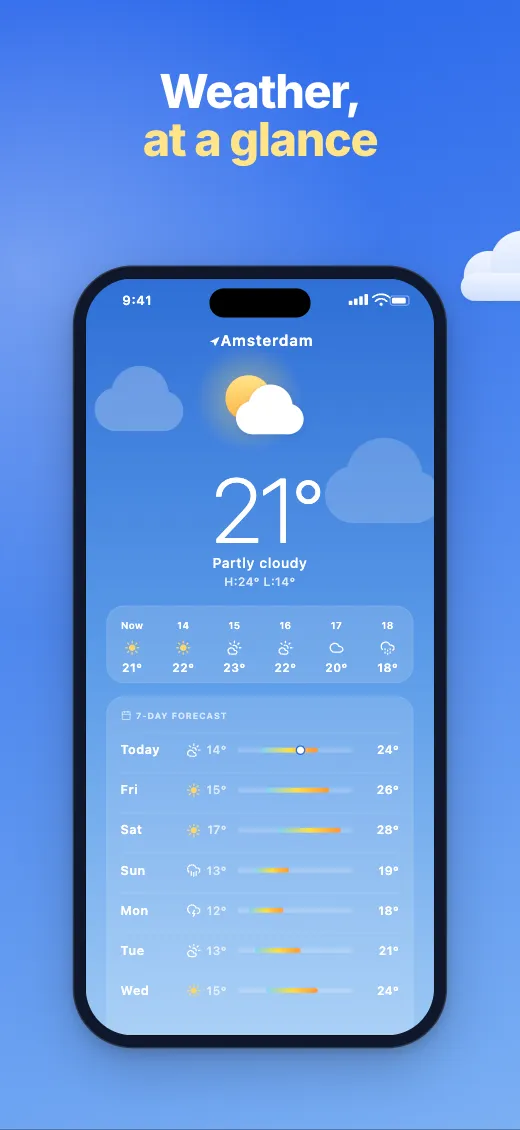
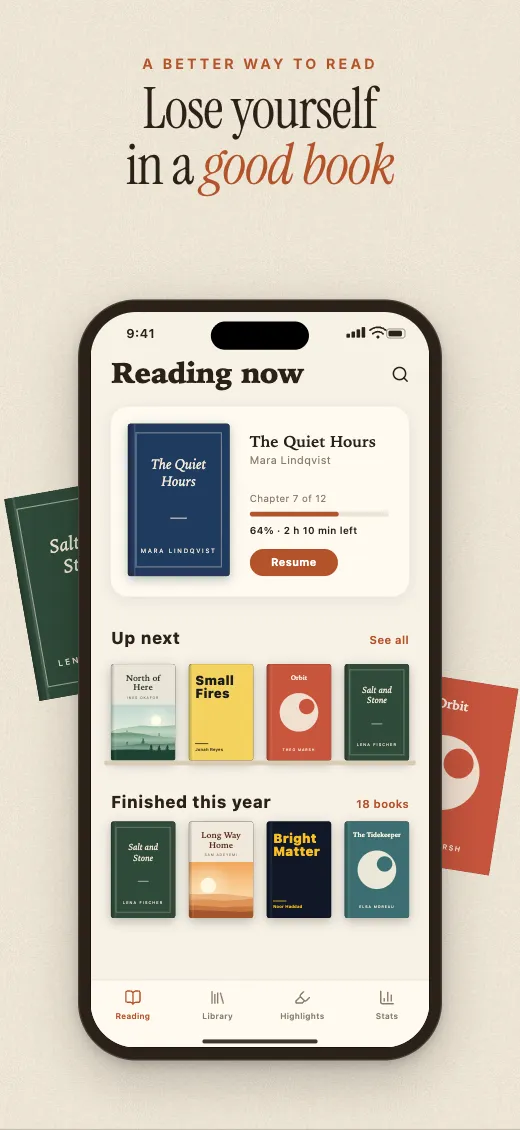
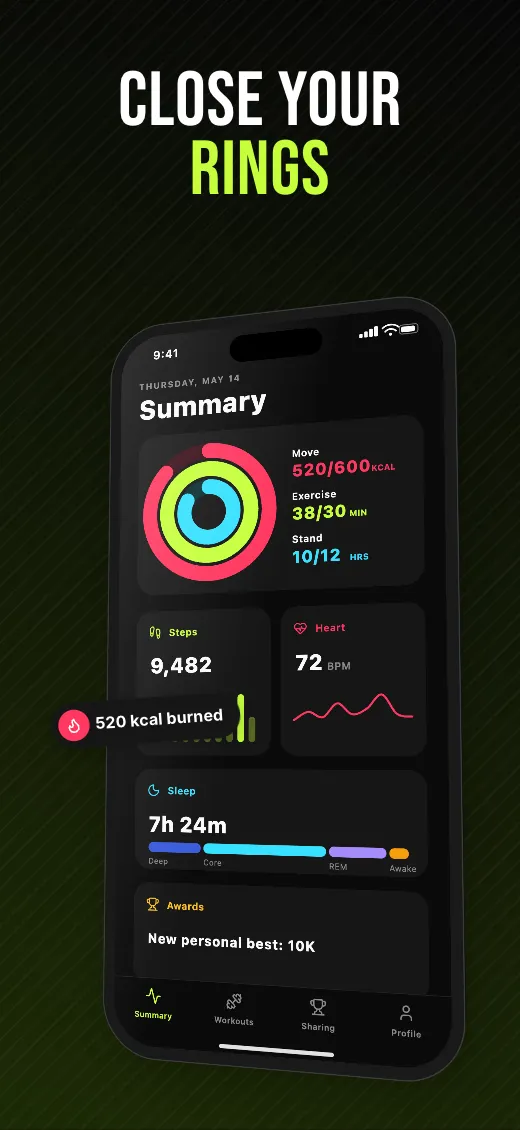
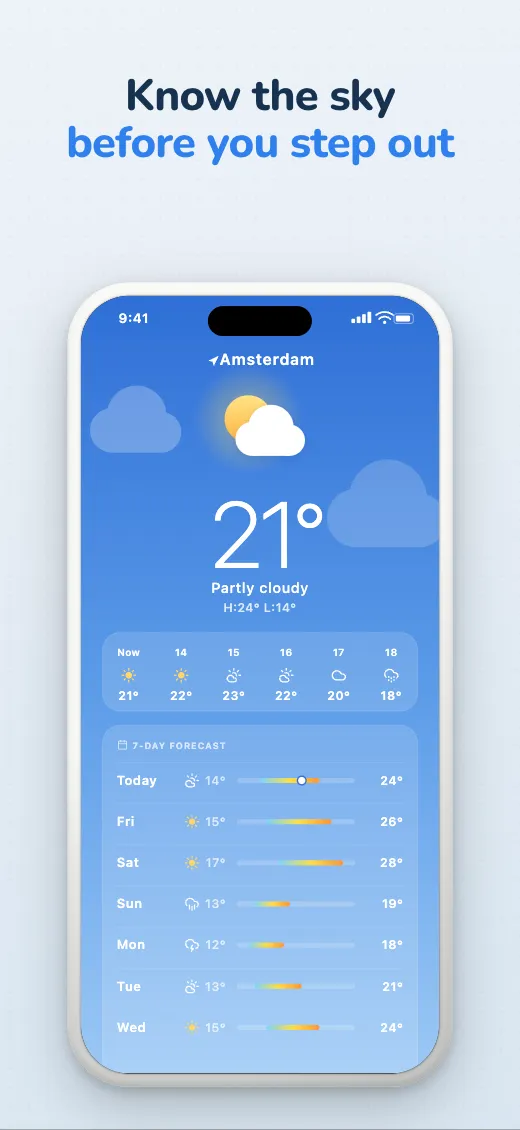
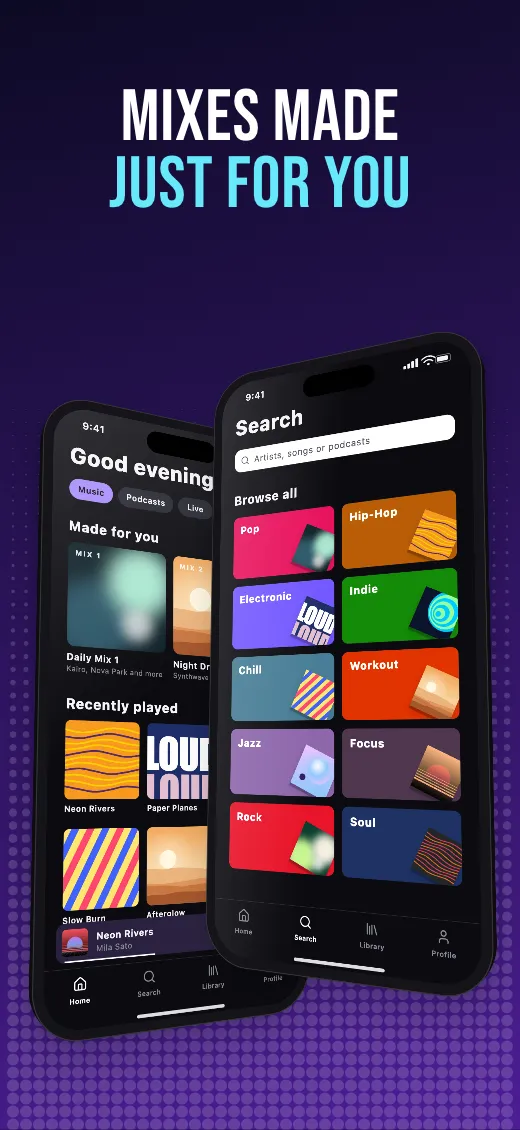
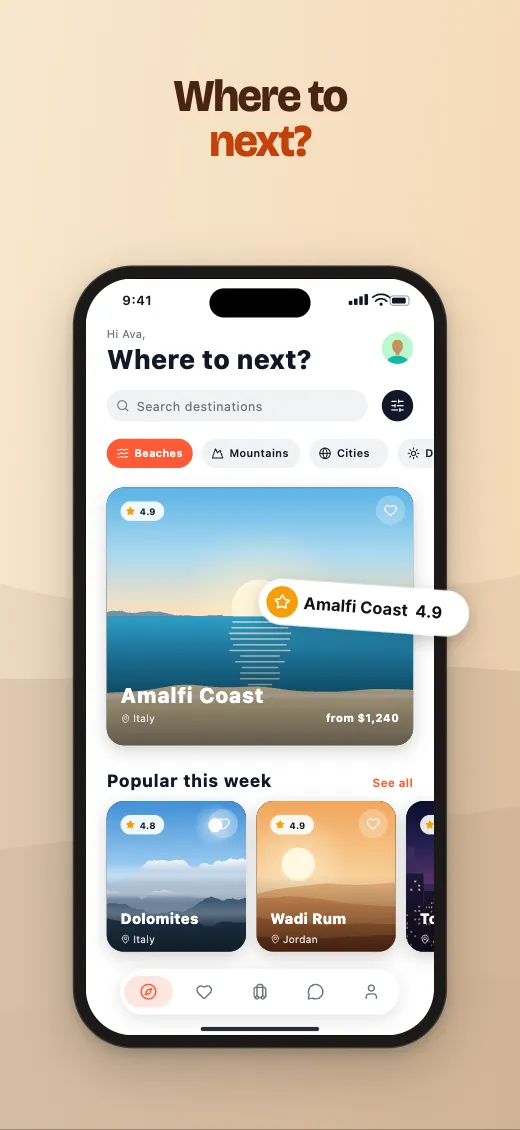
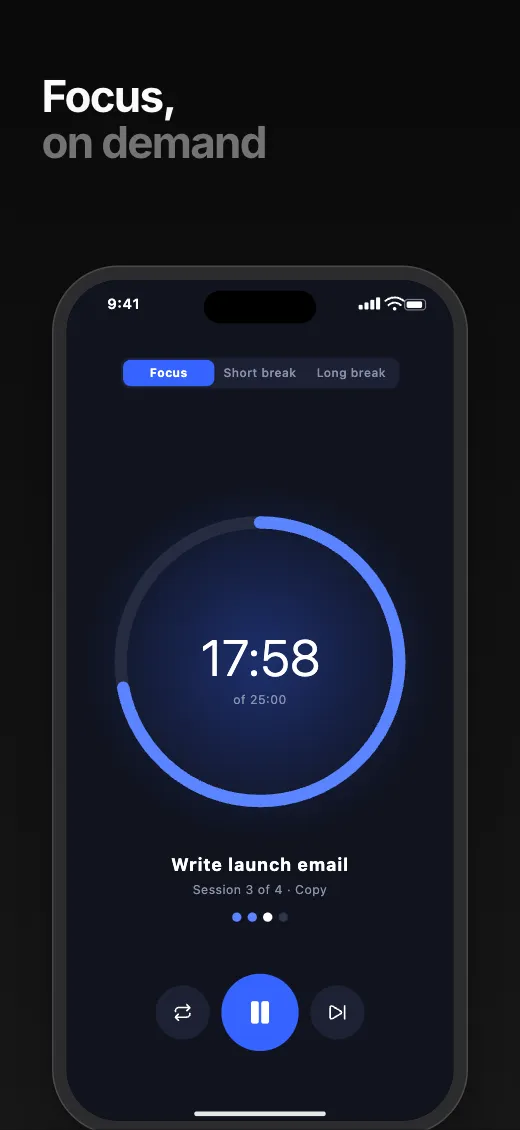
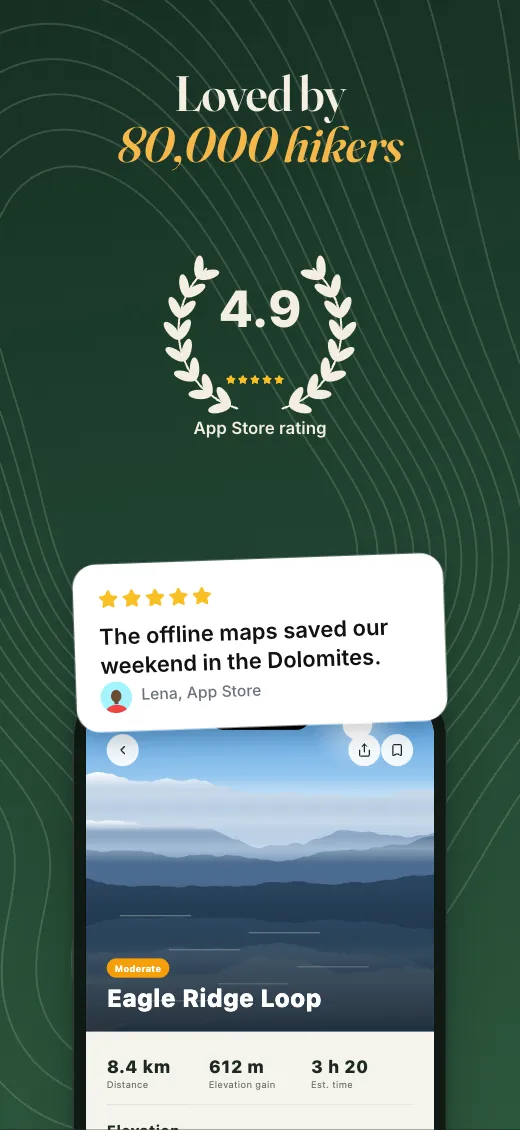
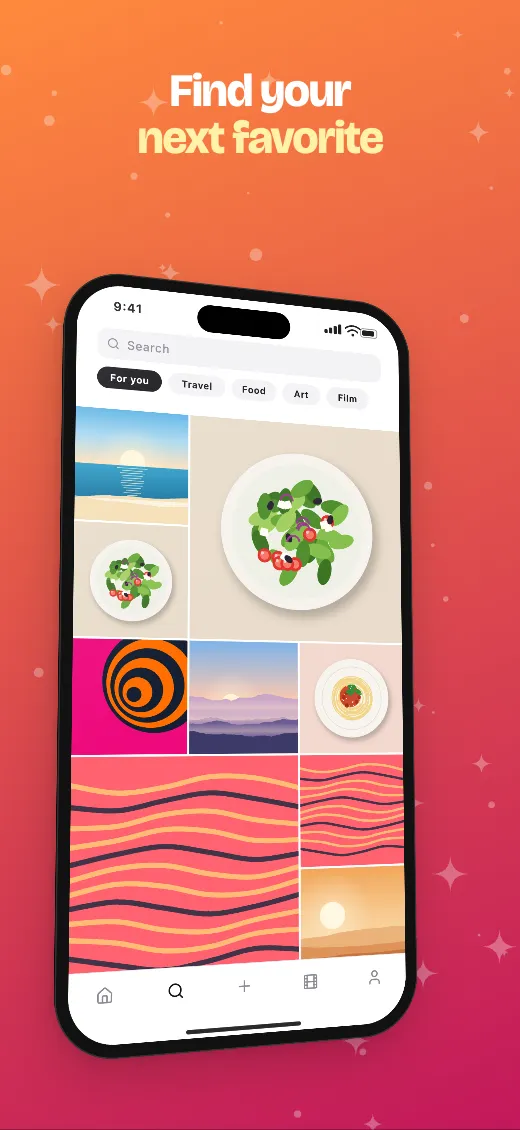
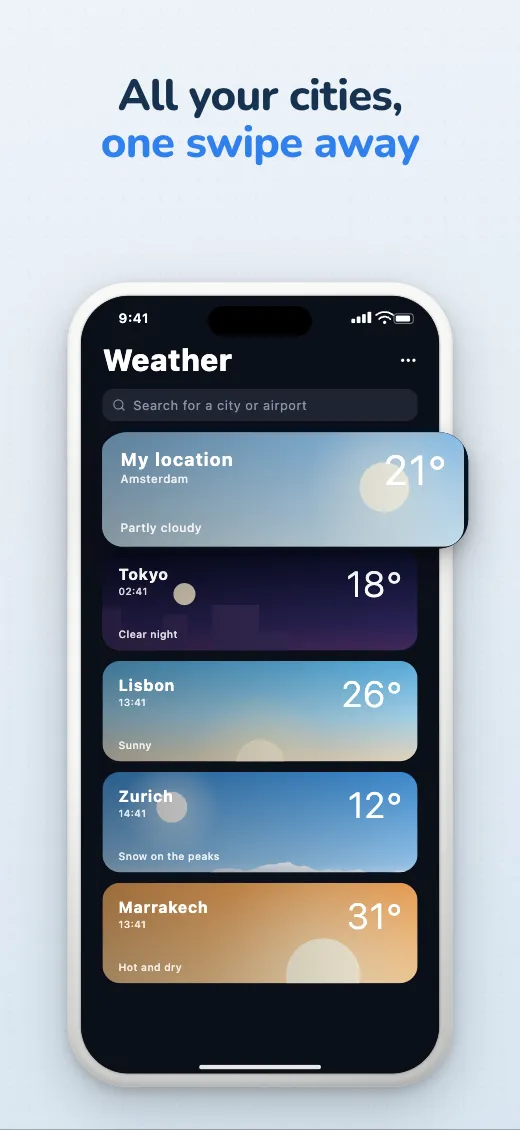
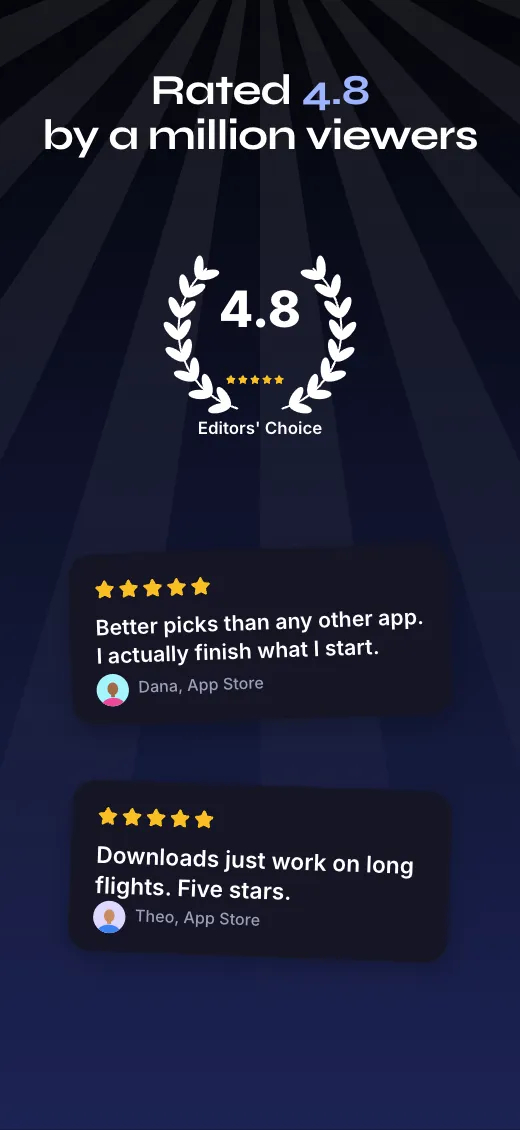
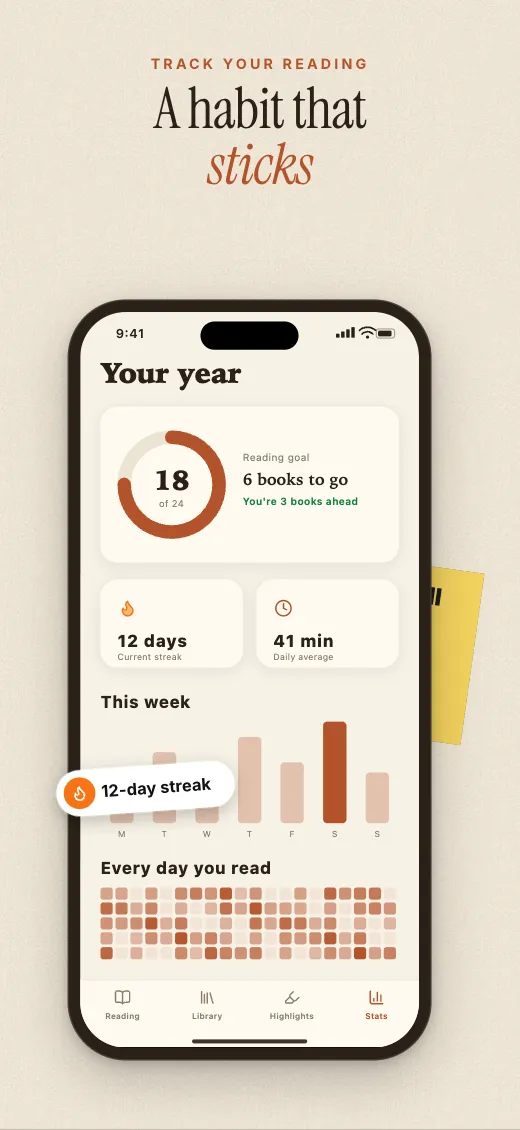
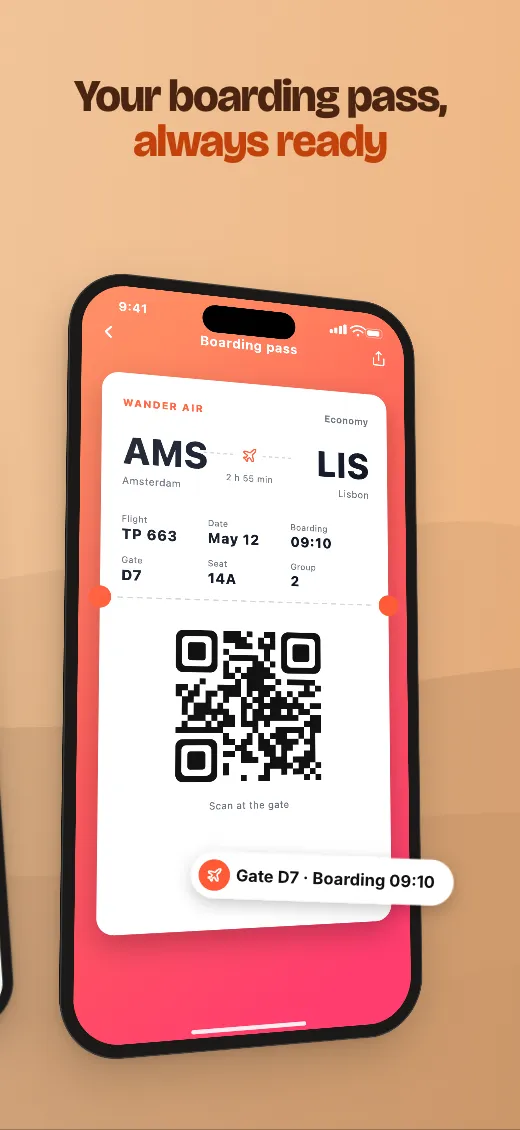
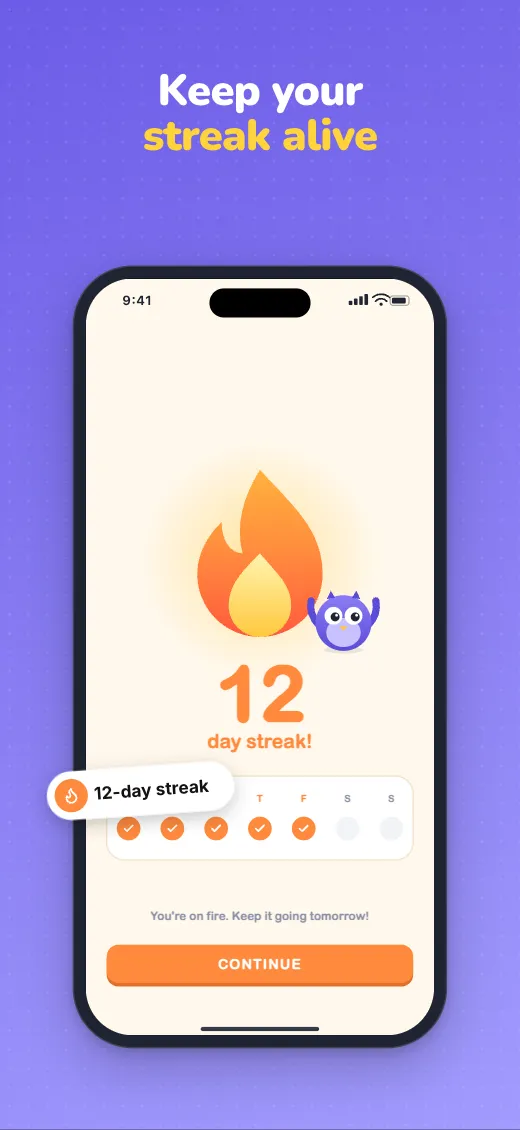
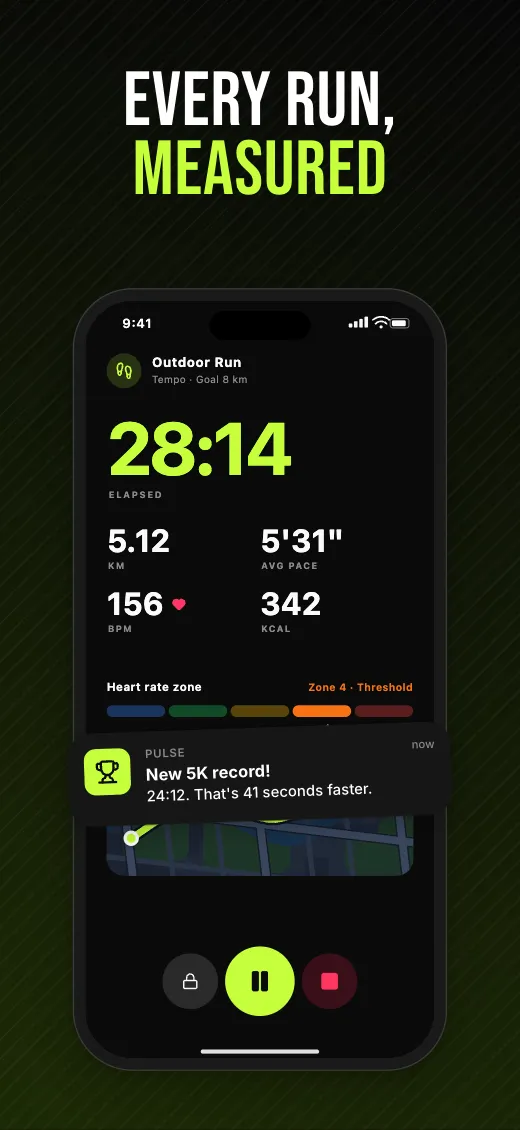
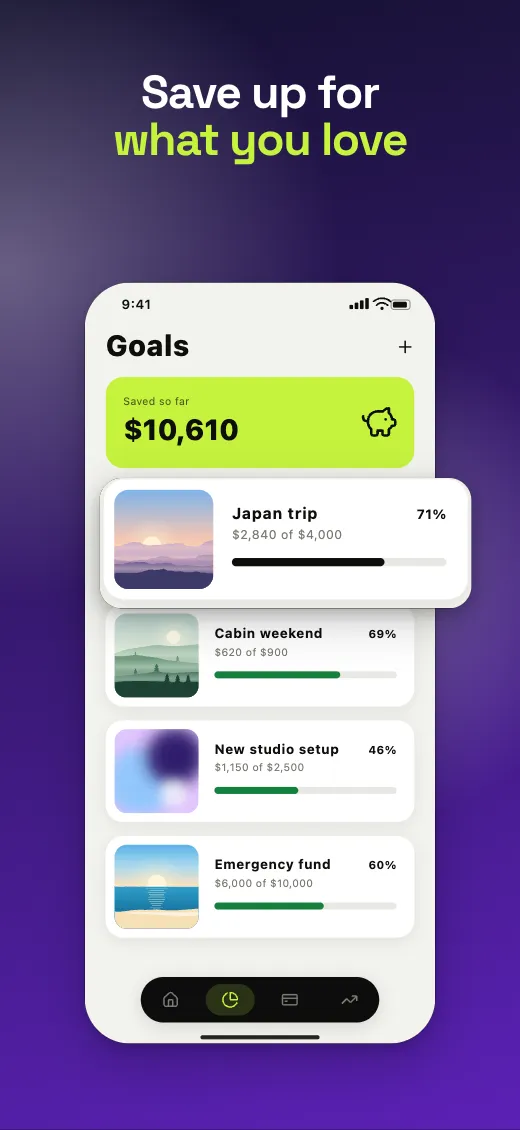
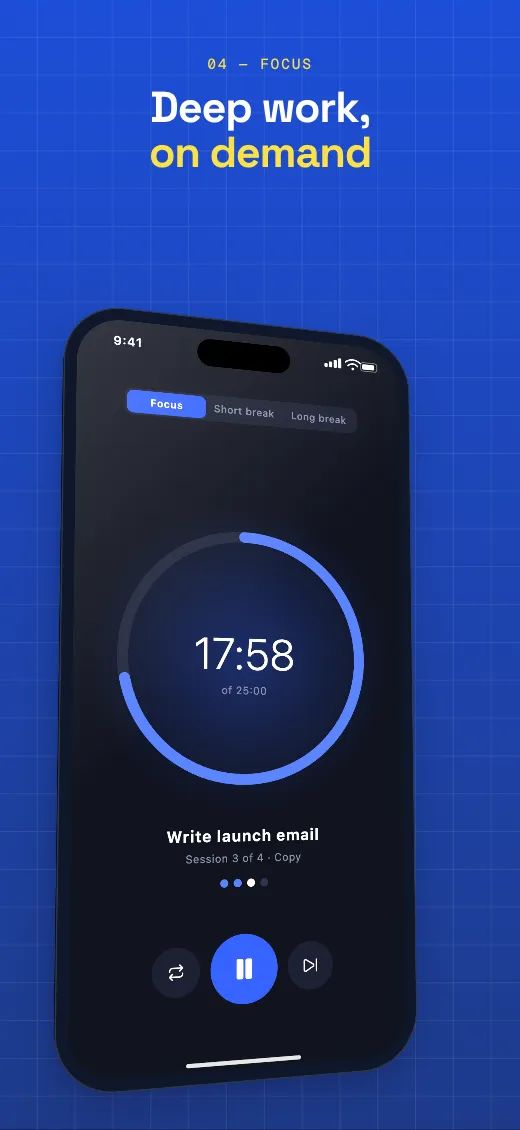
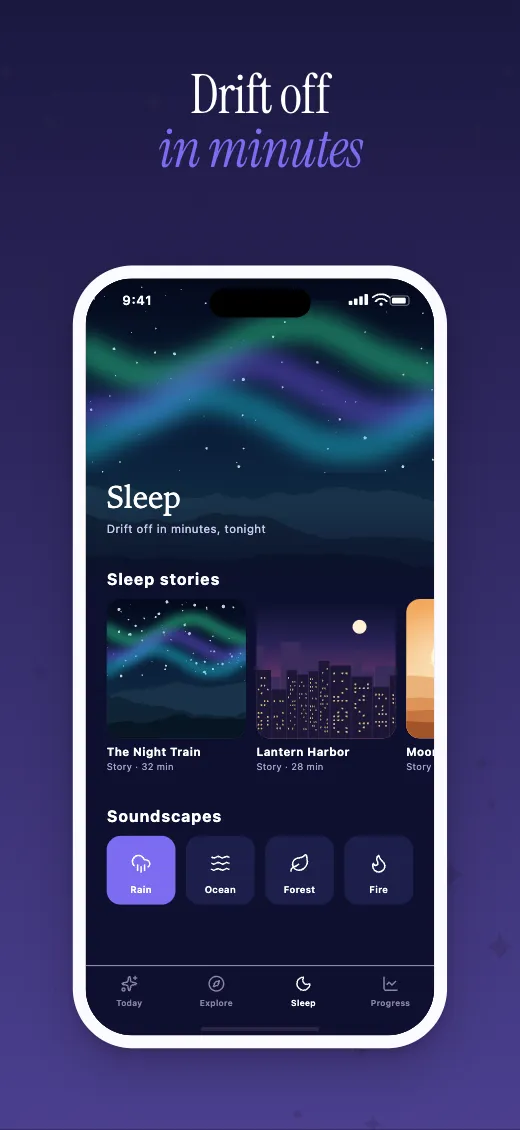
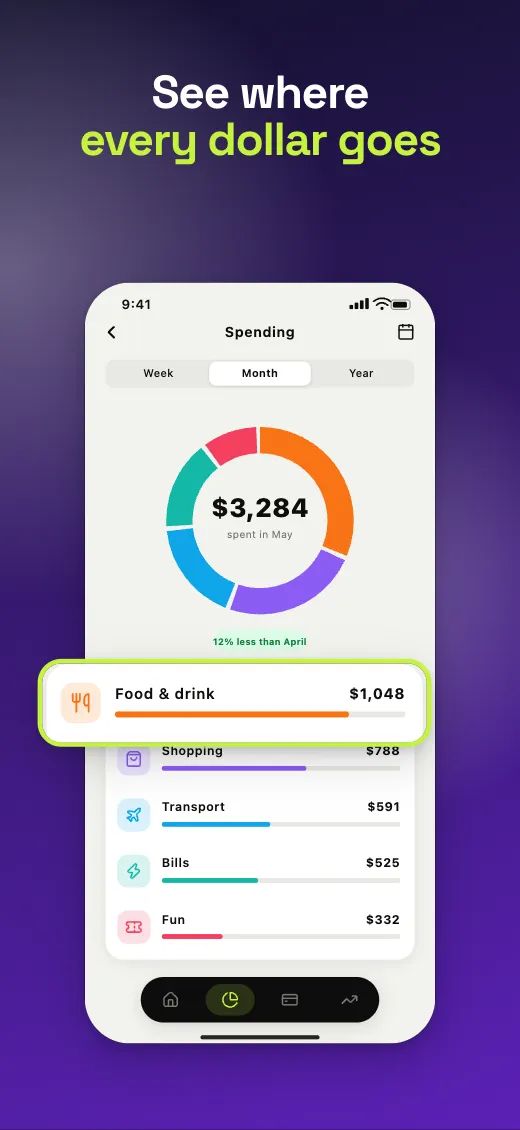
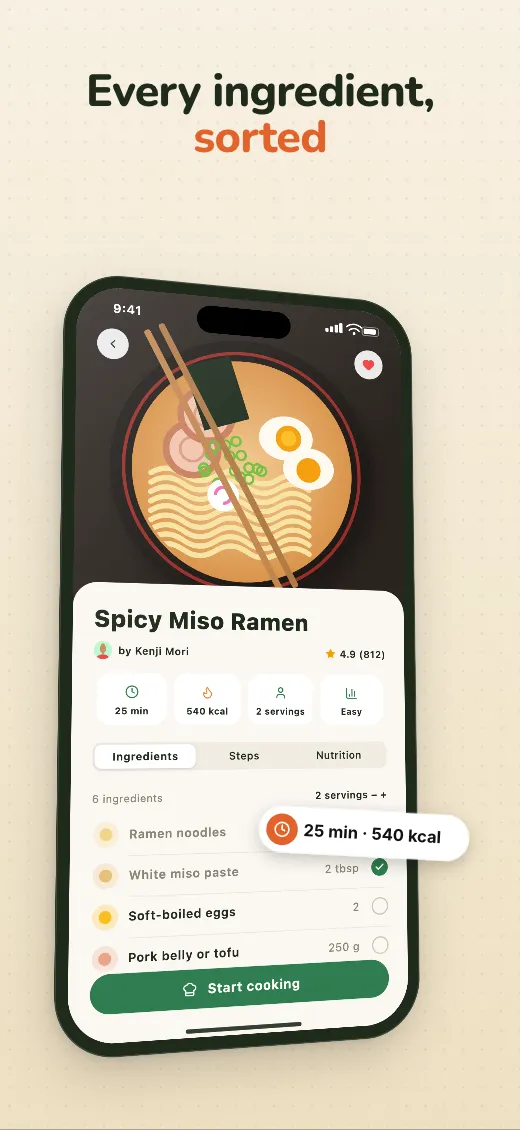
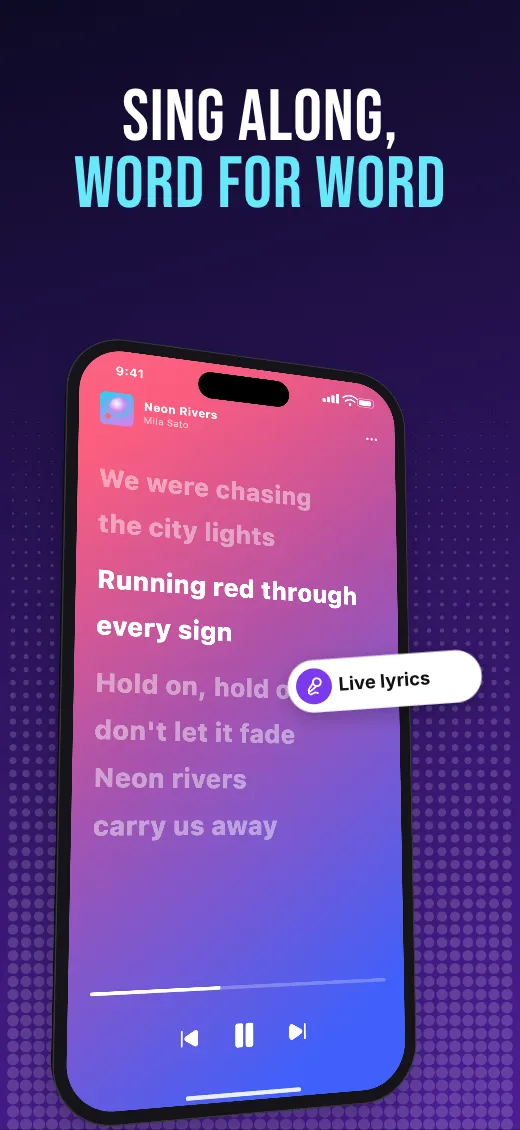
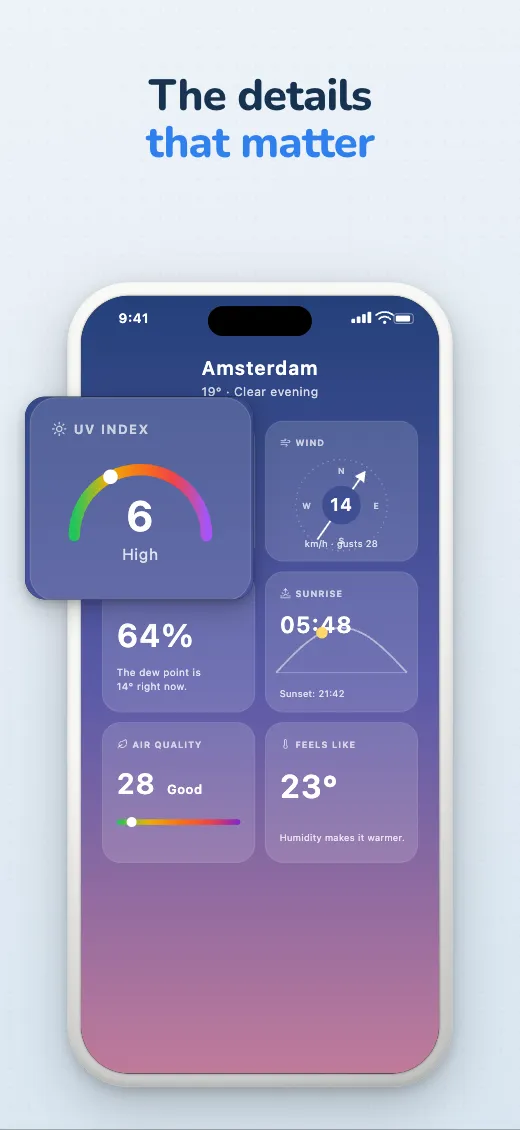
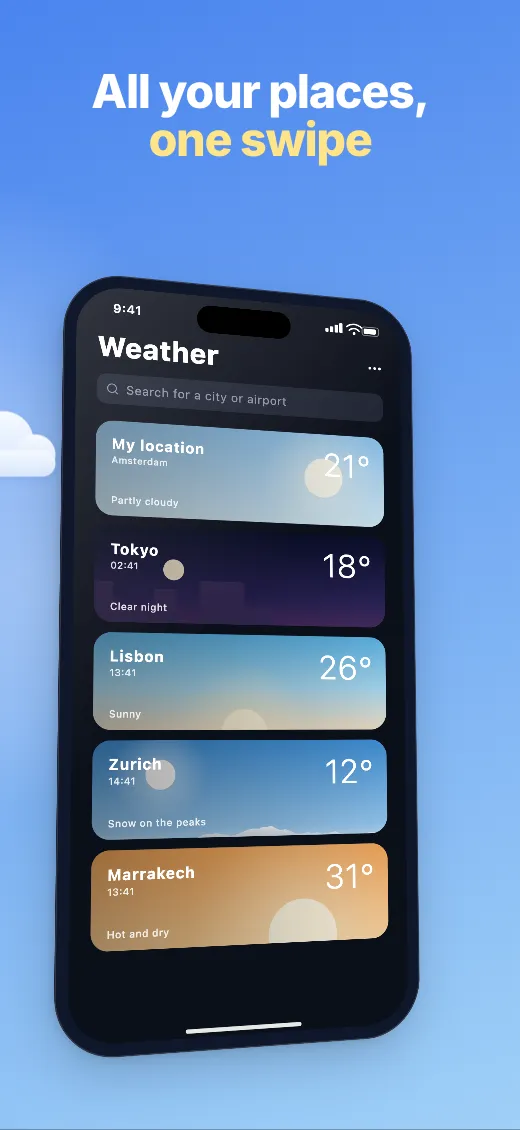
Store screenshots that sell, in every language.
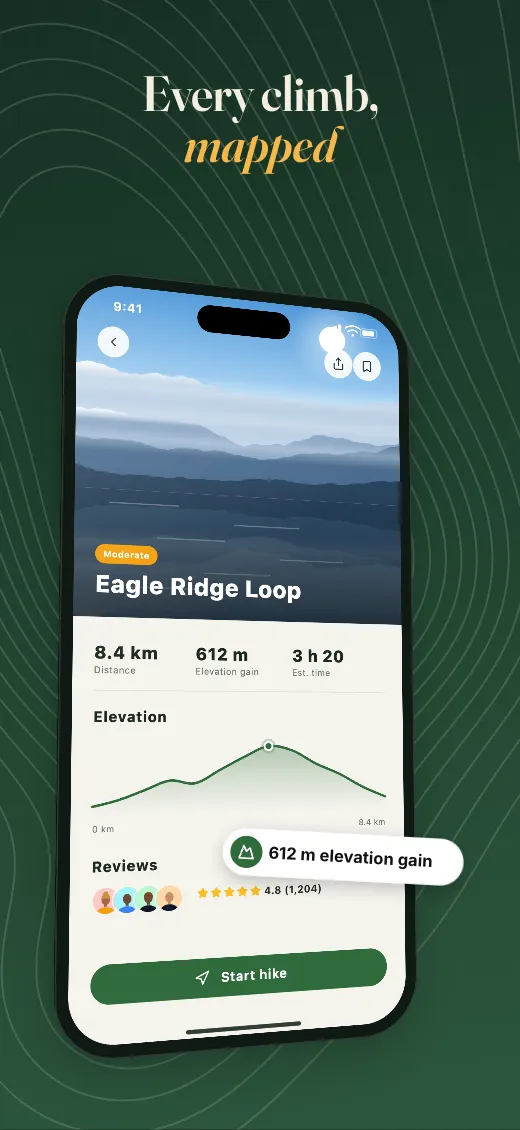
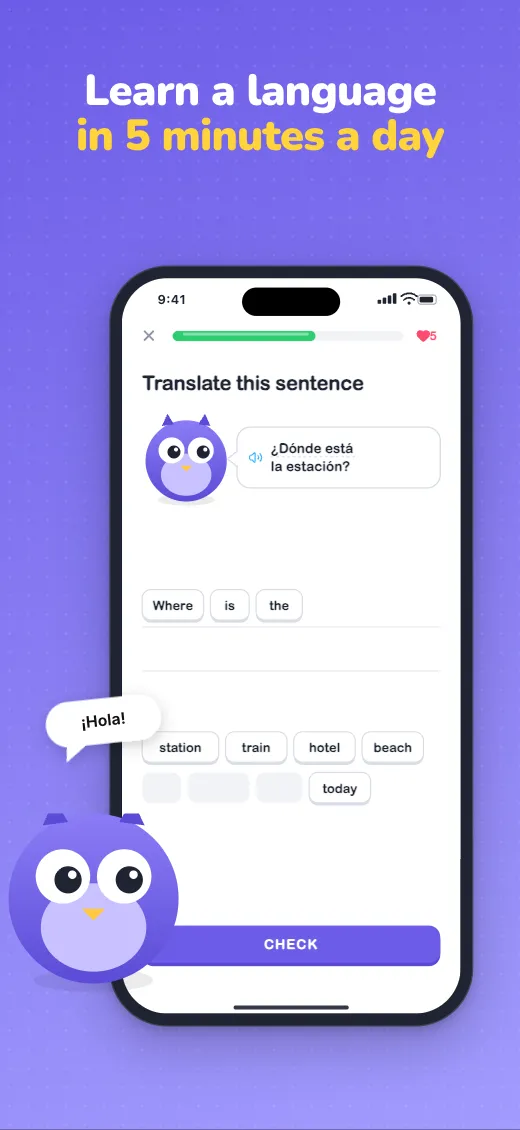
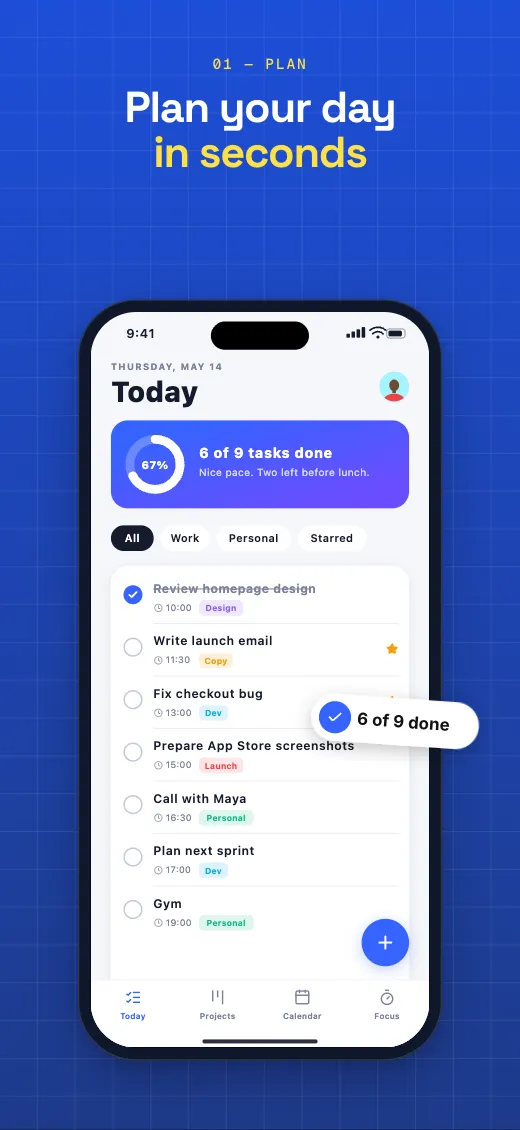
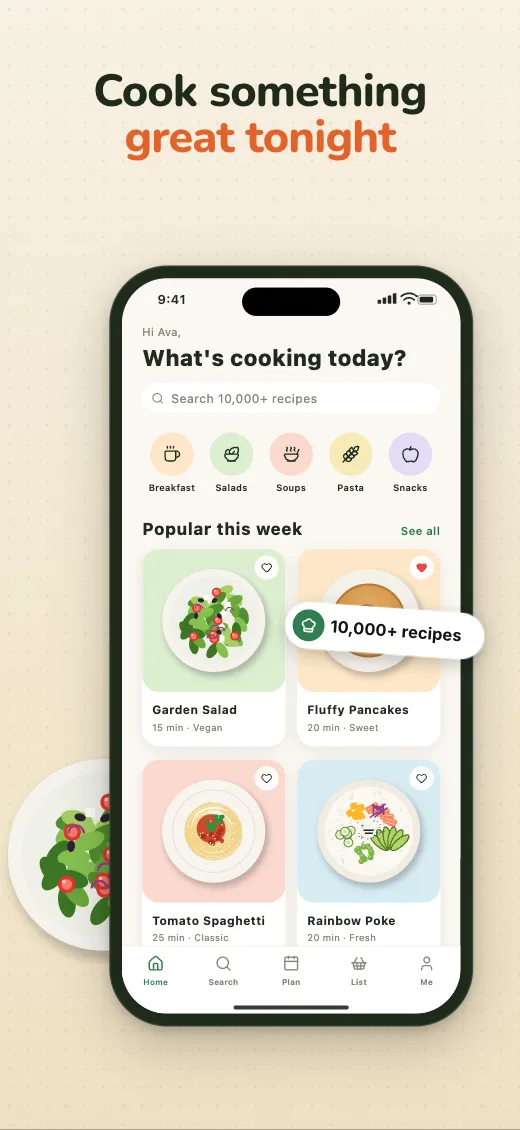
How it works
From raw screenshots to a store set in minutes
- 01
Drop in your screenshots
Drop the whole folder at once: they fill the devices in order, and extra ones get new screens in the same style.
- 02
Design once for every device
Each layer exists on iPhone, iPad and Android, with its own position per device. Text is written per language.
- 03
Export the whole set
One click renders every screen, device and language at the exact store sizes, zipped.
The studio
Everything a store set needs
A canvas editor built for exactly one job, so the details are already right.
Art that runs across screens
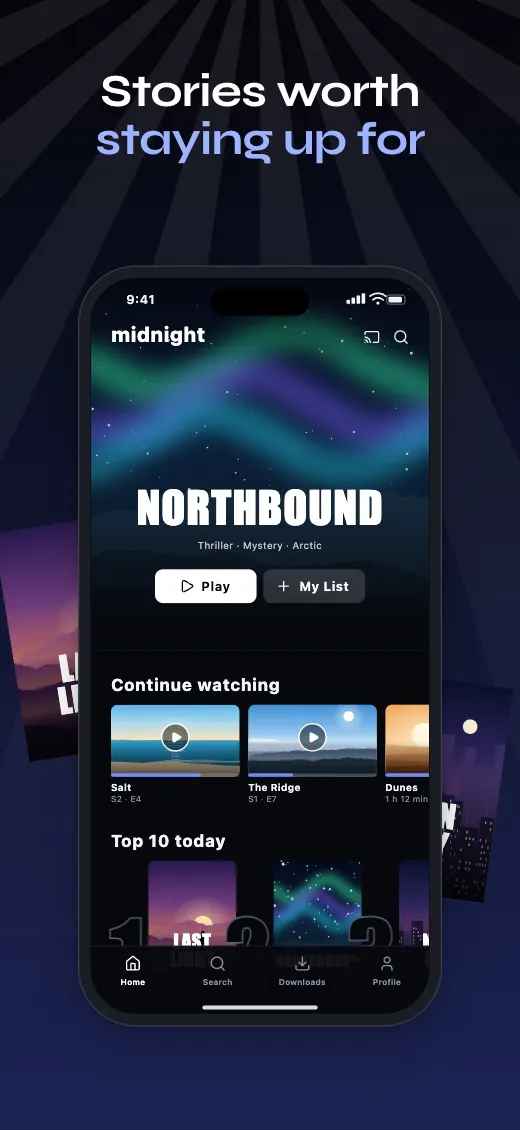
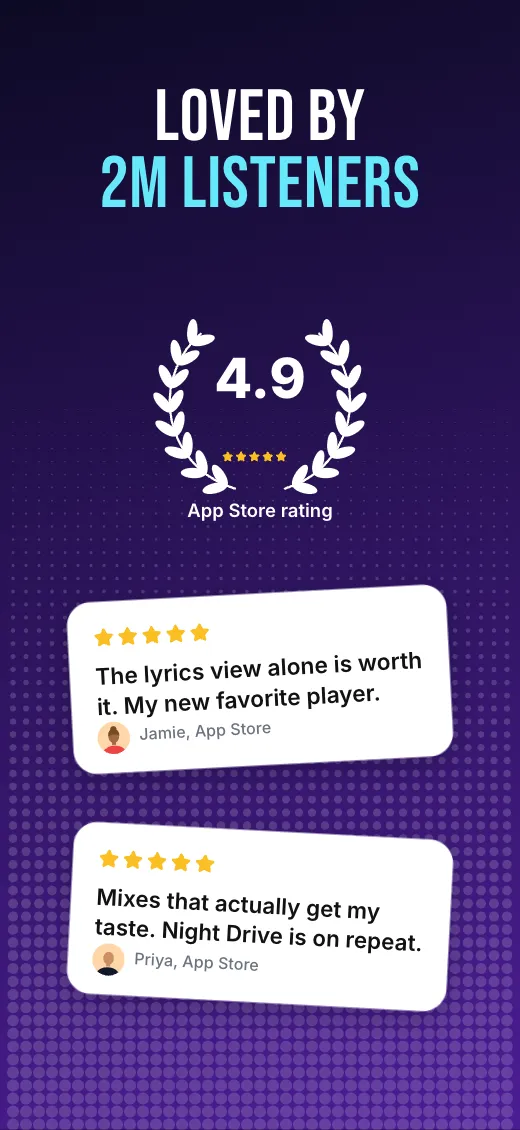
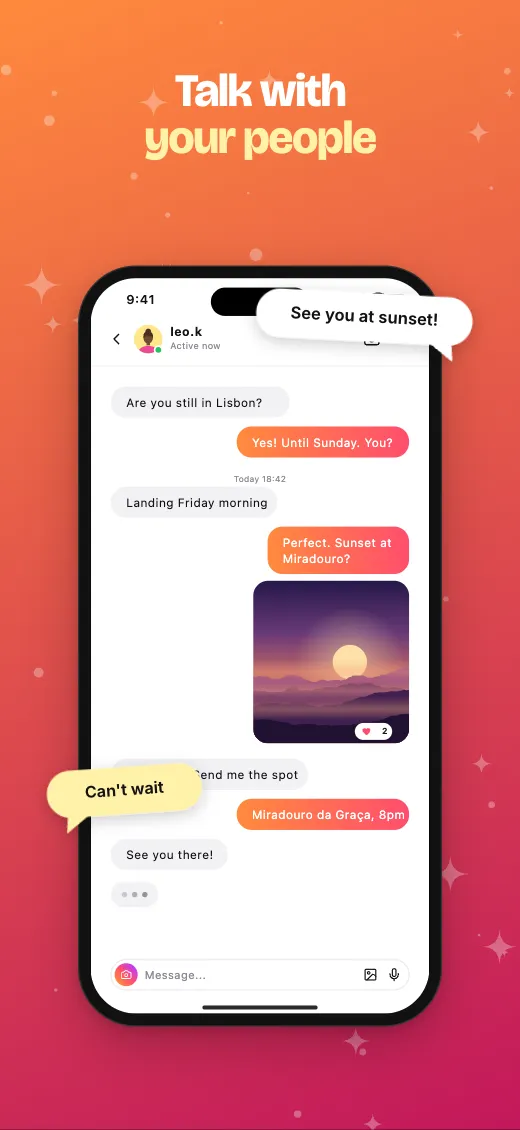
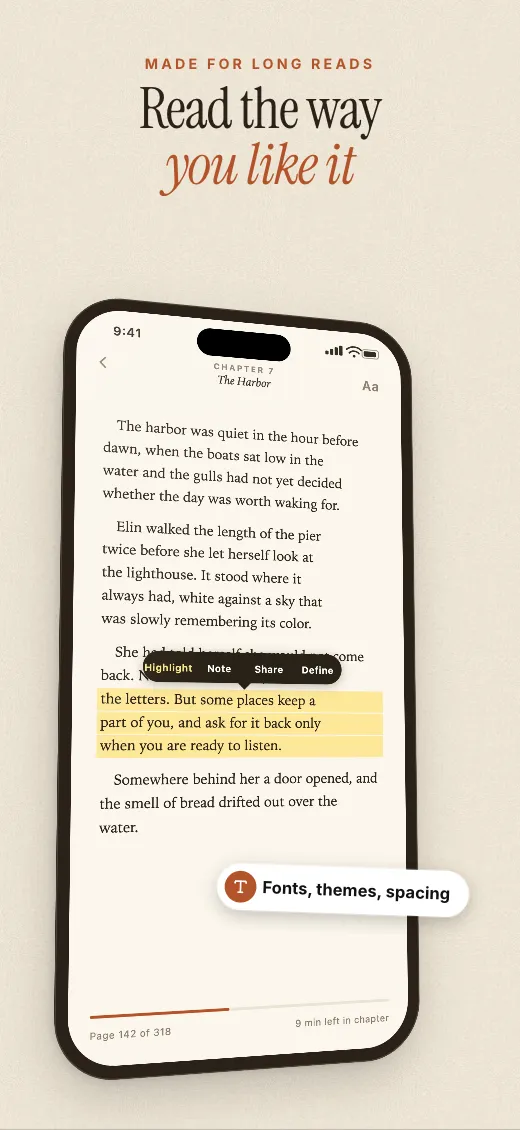
Drag a device or an image over the edge and it carries on into the next screen, so the set reads as one story when the store lines them up.
A new look in one click
Name your colors once. Pick a theme, or change one color, and the whole set follows.
Text that fits every language
Headlines shrink to fit their box instead of spilling out, so a long German translation still looks designed.
Every store size, pixel exact
One design on every device, laid out in its real pixels and exported as flattened PNGs, no transparency.
1320 × 2868
2064 × 2752
1080 × 1920
See it in the store first
Your set in App Store and Google Play search, with your app's name and icon, before you upload a thing.
A frame for every look
A real phone, soft clay, a solid bezel or just the screenshot. Every style works angled in 3D too.
Zoom in on what matters
Lift a card or a row off the screen, larger, so the feature you're selling can't be missed.
Feels like a design tool
Smooth and precise, so you spend minutes, not a weekend.
- Select and drag in one motion, or several layers at once
- Angle devices in 3D, with real perspective
- Snap to edges, centers and the seams between screens
- Resize and rotate with handles, or type exact values
- Copy a style, or give it to every headline at once
- Undo anything, one step per gesture
The whole set in one zip
Every screen, device and language, rendered by the same engine as the editor and sorted into folders.
my-app-screenshots.zip
├─ en/iphone-6-9/01-hero.png
├─ en/ipad-13/01-hero.png
├─ de/android-phone/02-organize.png
└─ nl/iphone-6-9/03-export.pngLanguages
Sell in every language your users shop in
AI translates every headline, and your store listing, into the store languages you pick in one click, keeping your accent words and line breaks. Switch languages to review the whole set, and export them all in one go.
Live, not a picture: drawn by the same renderer that exports your PNGs. Try a language or a theme.
Pricing
Simple pricing for indie developers
Start free. Upgrade when your screenshots start earning their keep.
Free
Try it on your next release.
forever
- The full canvas editor
- iPhone, iPad and Android sizes
- 1 project, up to 2 languages
- Exports carry a small watermark
Pro
For indie developers who ship often.
billed $144 a year
- Everything in Free, without the watermark
- Unlimited projects and languages
- AI translation into every store language
- AI headlines from your app description
- Upload to App Store Connect and Google PlaySoon
Lifetime
Pay once, keep it.
once
- Everything in Pro, for good
- Every future update
- One seat
Prices in US dollars. Local taxes are added at checkout where they apply.
By buying, you agree to the Terms of Service and the Refund Policy.
FAQ
Questions, answered
Do I need an account?+
No. The studio runs in your browser, so you can design and export right away. With a free account, your projects are saved to it and open on any computer.
Which sizes does it export?+
iPhone 6.9" at 1320 × 2868, iPad 13" at 2064 × 2752, Android phone at 1080 × 1920, Android tablet at 1440 × 2560. These are the sizes App Store Connect and Google Play ask for; App Store Connect scales them down for smaller devices.
Is Android a first-class citizen?+
Yes. Android phone and tablet sit next to iPhone and iPad from the start, with their own layouts and screenshots.
Will the export look exactly like the editor?+
Yes. Both use the same renderer, and the export draws every screen at its exact pixel size in a real browser.
Can it upload to the stores for me?+
Not yet. Today you get a zip with a folder per language and device, ready for App Store Connect and the Play Console. Direct upload is on the roadmap.
Is the name final?+
AppGlow is a working name. The studio is real, though: open it and try.
Your next release deserves better screenshots.
Open the studio and have a set ready before your build finishes.
Open studio